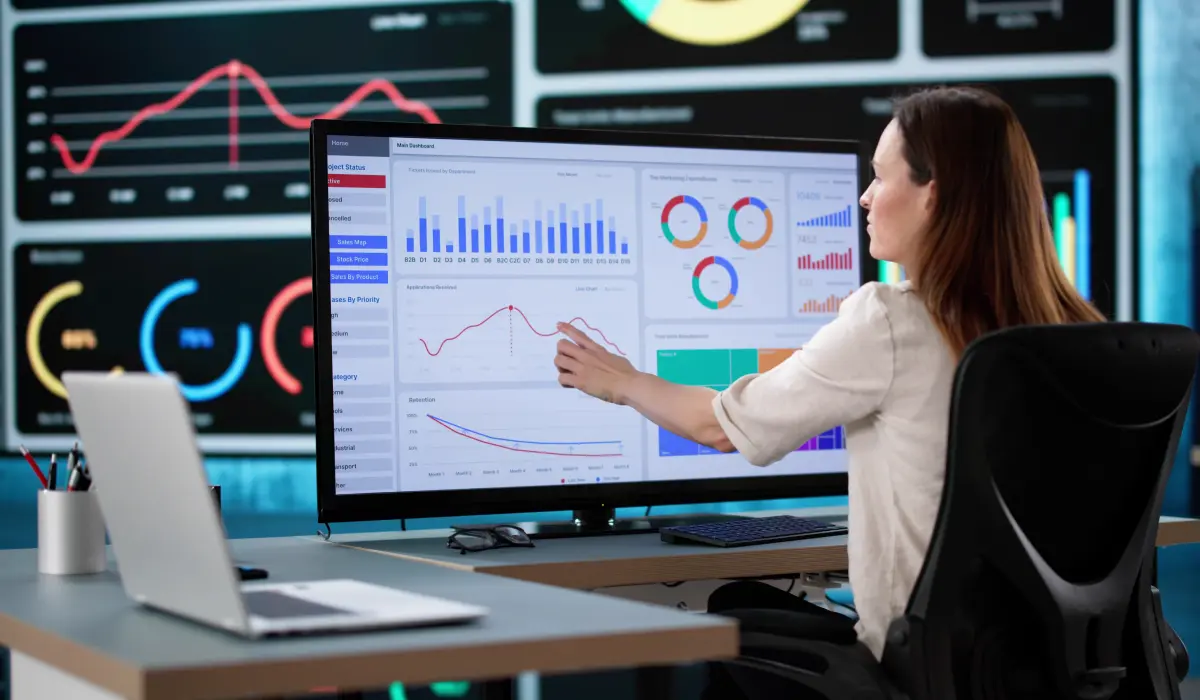
A team can stay busy all week while important work still takes longer than expected, making it hard for managers to see where hours are actually going. So, where is the team spending its time, and does that time support the work that matters to the business?
Task lists, project updates, and performance reviews provide part of the answer, while time data shows how employees divide their hours across projects, tasks, and activities. When reviewed alongside project progress, workload, and utilization, this information gives managers better context for understanding productivity and making informed decisions.
Why Time Data Matters for Employee Productivity
A clear view of time allocation helps managers understand how work is distributed across projects, tasks, and team members. For example, one employee may support three projects but spend a large share of their week on one, while another team member has fewer active assignments and more available capacity.
Time data also shows how working hours are divided between billable and non-billable activities, helping managers understand where team capacity goes and which activities may need closer review.
What the data tells managers:
McKinsey notes that performance measures should support the performance an organization wants to achieve. Managers can use time data as context alongside project progress, workload, and business priorities.
Managers can also use historical time records to improve project forecasting and make future workload decisions based on actual project data.
6 Ways Managers Can Use Time Data to Improve Productivity
Time data becomes useful when managers can connect it to the work their teams are doing. Instead of reviewing hours in isolation, they can use time records to understand workload, project effort, resource use, and areas that need attention.
1. Understand Where Employees Spend Their Time
Time records show how employees divide their hours across projects and tasks, helping managers compare actual time use with assigned work. Reviewing time data insights can also help managers understand how work is distributed across the team.
What managers can do: Review time spent on recurring tasks and discuss significant differences with employees before changing workloads or processes.
2. Identify Workload Imbalances
When team members are working on multiple projects, their workloads can vary significantly from week to week. Managers can use time and utilization data to see who is handling more work, who has capacity, and whether assignments remain reasonably spread out as project demands change over time.
What managers can do: Compare work volume and utilization across team members, and adjust assignments when some employees carry more work than others.
3. Find Productivity Bottlenecks
Time data helps managers identify potential workflow issues that could hinder project progress, especially when activities consistently take much longer than expected. Managers may analyze the time spent on each activity to determine the cause of such delays.
What managers can do: Review tasks that take longer than expected and investigate the process, requirements, or dependencies that may be slowing progress.
4. Make Better Resource Allocation Decisions
Resource allocation becomes harder when employees contribute to several projects, making team capacity planning important when assigning new work. Time and utilization data help managers understand available capacity and decide who can take on additional tasks or when to move work to another team member.
What managers can do: Review current project commitments and utilization before assigning new work, while considering resource allocation, project tracking, and team capacity.
5. Identify Time Spent on Lower-Priority Work
Employees spend time on client projects, internal tasks, administration, meetings, corrections, and other activities, so reviewing this mix helps managers understand how the team uses its capacity. Comparing billable and non-billable time can also show whether recurring internal activities take more time than expected.
What managers can do: Analyze regular non-billable activities and identify processes to streamline, reduce, or reallocate when they consume too much of the team’s capacity.
6. Support Better Capacity Planning
The data currently available describes the work the team is handling, while historical data contains information about projects handled in the past. Managers can use these two data types to plan future workloads, account for the team’s actual capacity, and make any necessary changes to priorities, timelines, or staffing.
What managers can do: Before assigning teams to new projects, they should review current utilization and past time usage, then adjust priorities, timelines, or staffing when capacity is limited.
Time Data Is Not the Same as Productivity
A timesheet shows how many hours were recorded, but those hours alone cannot explain the quality, complexity, or outcome of the work completed. A complex task may require more time than a routine task, while collaboration, problem-solving, or resolving an earlier process issue may also add hours without indicating poor performance.
Look at Time in Context
Managers need to look at time alongside project progress, workload, quality, and business goals to understand what those hours mean. Although time data shows how working hours are distributed, the other measures help explain the results those hours produced.
For managers who want to connect time tracking with project and team visibility, explore QwikTime to see how its time tracking and capacity planning capabilities support better workforce decisions.
How to Use Time Data Without Micromanaging Employees
Time data is more useful when managers treat it as information for discussion rather than a score for individual performance. The goal is to understand what may be affecting workload, project progress, and the time required to complete different types of work.
When a task takes longer than planned, managers can examine the reasons before making changes. Requirements may have changed, dependencies may have caused delays, or additional responsibilities may have affected the available time.
A practical approach: Review patterns across projects and teams, then use those findings to discuss workload, processes, resource allocation, and project needs with employees.
How QwikTime Helps Managers Use Time Data More Effectively
Managers need time data that connects daily work with projects, workloads, and team capacity. QwikTime brings these views together so managers can review how working hours are being used and make decisions based on actual project data.
Managers can use the platform to:
- Track time across projects and tasks to see where working hours go.
- Review billable and non-billable hours to understand how the team uses capacity.
- Check utilization and workload across employees working on multiple projects.
- Review timesheets and reports to identify differences in recorded project effort.
- Plan team capacity and resource allocation based on current commitments.
Managers can also use project time tracking to improve project estimates and plan future work using historical time records.
Making Better Decisions With Time Data
Time data helps managers better understand how employees spend their working hours across projects, tasks, and other activities. Combined with an understanding of project progress, workload, utilization, and business priorities, this information can help managers allocate resources, address bottlenecks, and plan future work more effectively.
The aim is to use time data to understand how work is carried out and identify where teams might need more support. This enables managers to make informed decisions and keeps productivity discussions focused on the work itself, outcomes, and the team’s capacity.
 Tracy Vinson